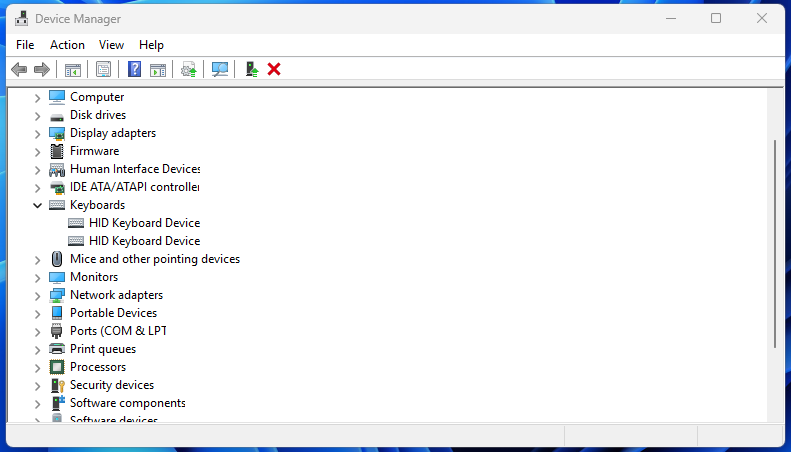
I only have one keyboard connected. But from the device manager I see two keyboards there. Here is the steps for you to narrow down which driver for which device. and it’s very easy.
Try using device manager….
Hear me out.
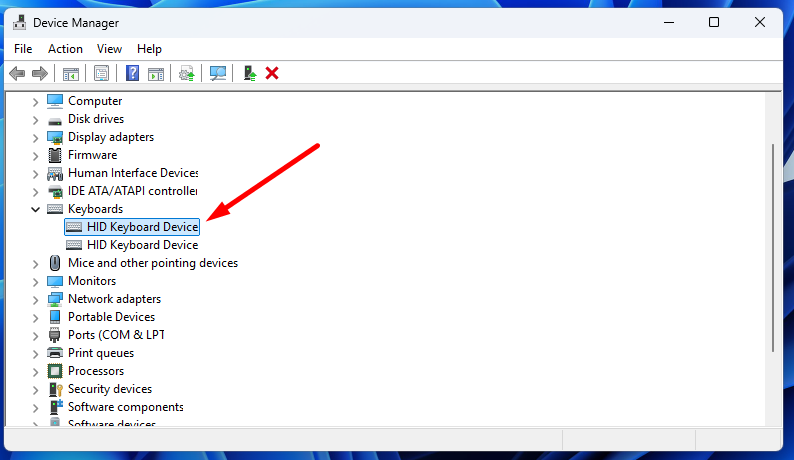
Click on the device you want to see ( very important. that will give you a gray color for that device. So you can easily see it from the next step.)
Then change your view to Devices by container.
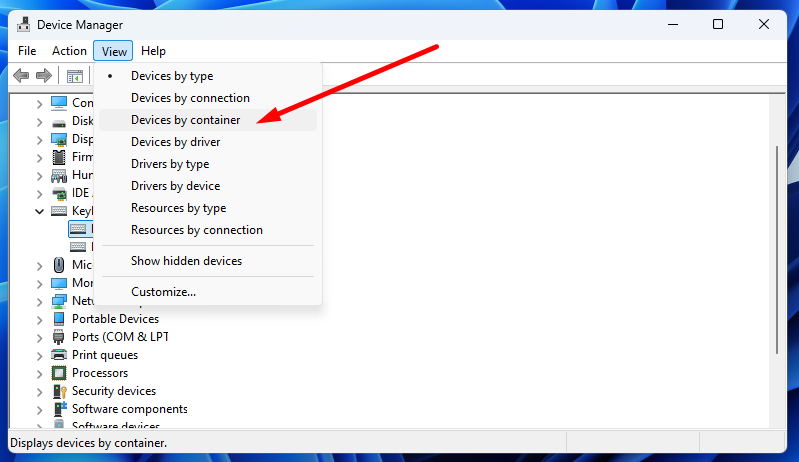
It will give you a map of what USB Hub the device is connected to.
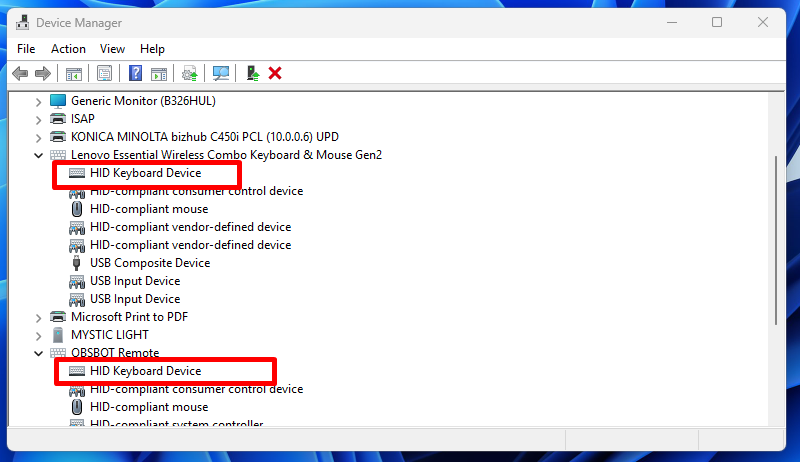
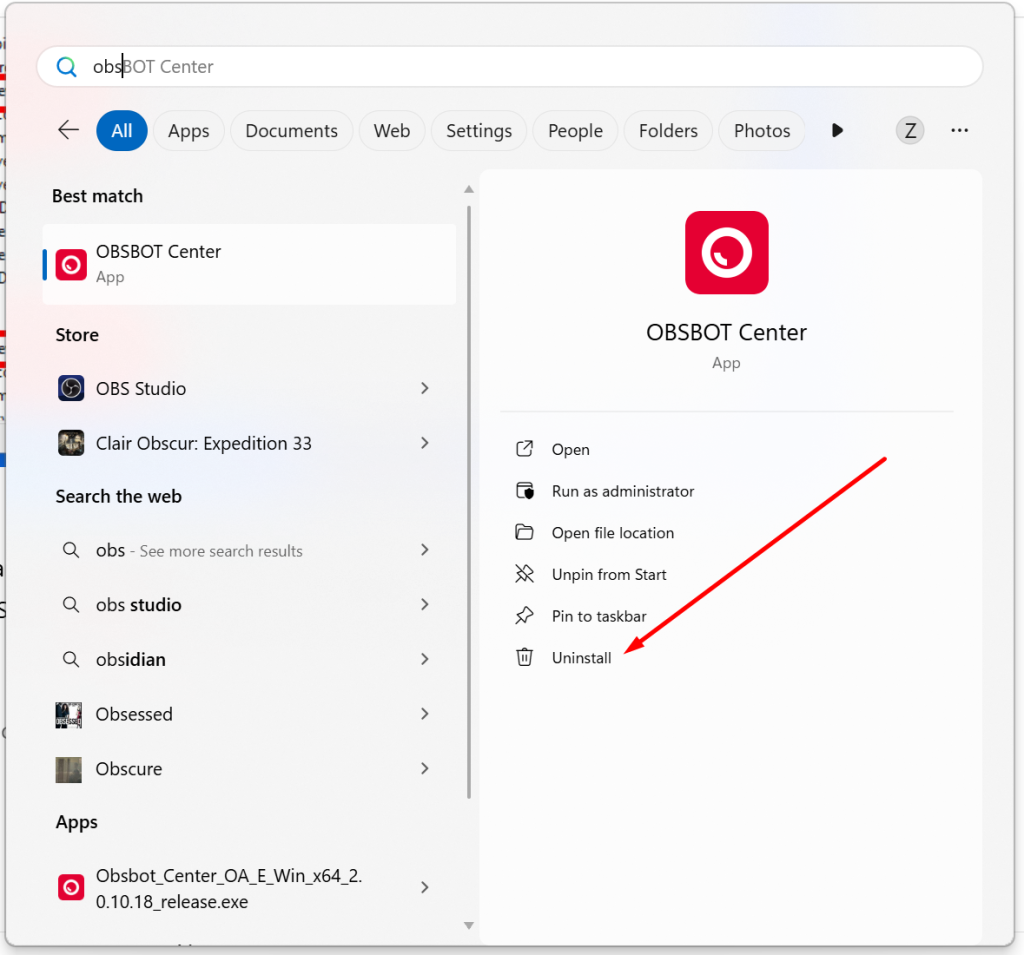
That should at least narrow it down. for my case. one keyboard belong to my wireless Lenovo keyboard. another belong to OBSBOT Reomote which did not connect, but it still show on the device manager. If I want to remove this keyboard, I need to uninstall the from start menu.