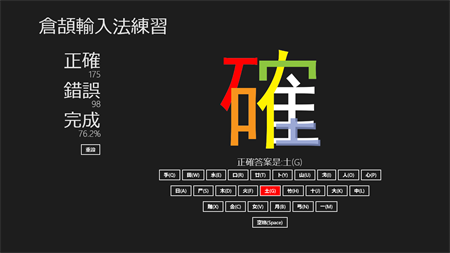
After the Windows system update, when using Cangjie input method, pressing the space bar has no effect and the typed characters are not displayed. However, there is no problem when using the Quick Input Method.
Permanent solution
| 补丁号 | Windows |
|---|---|
| KB5062649 | Windows 10(21H2 / 22H2) |
| KB5062663 | Windows 11(22H2 / 23H2) |
| KB5062660 | Windows 11(24H2) |
Temporary solution
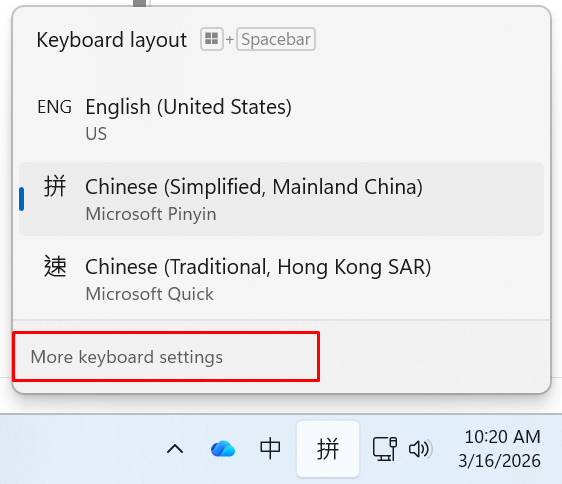
- In the bottom right corner of Windows, left press the [ENG], [仓], or [速] icon, and select [More keyboard settings].
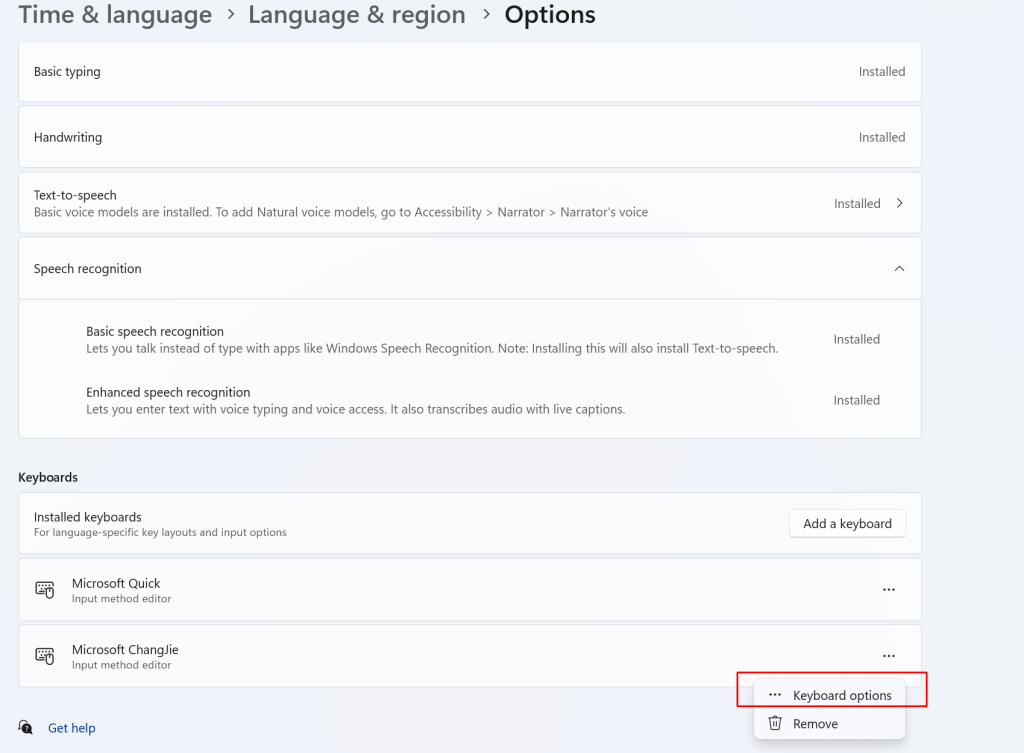
2. Please select the region language under the “Language” heading, such as [Traditional Chinese, Hong Kong SAR)] ? [Options]
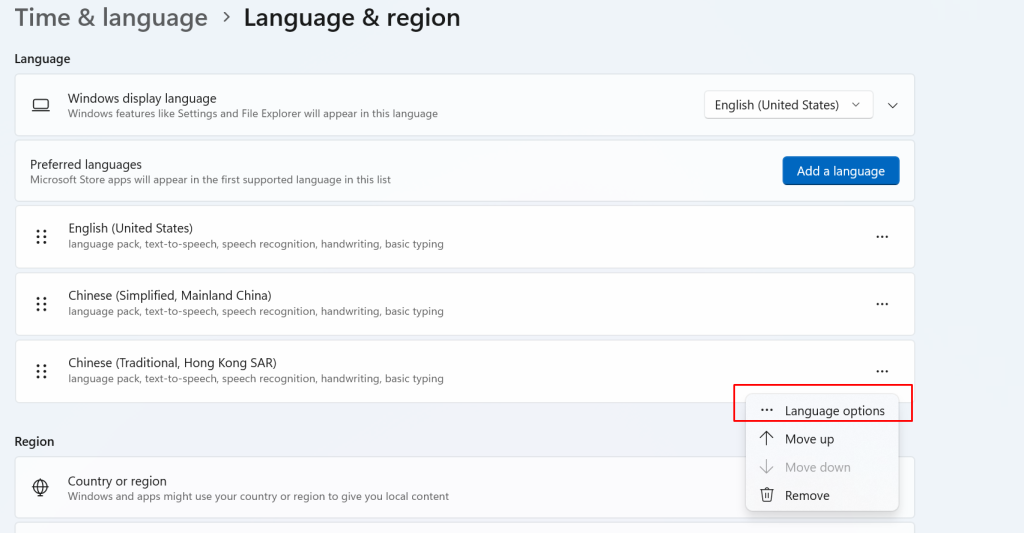
3. Under the “Keyboard” heading, select your input method, such as “Microsoft Cangjie”, and then click [Options].
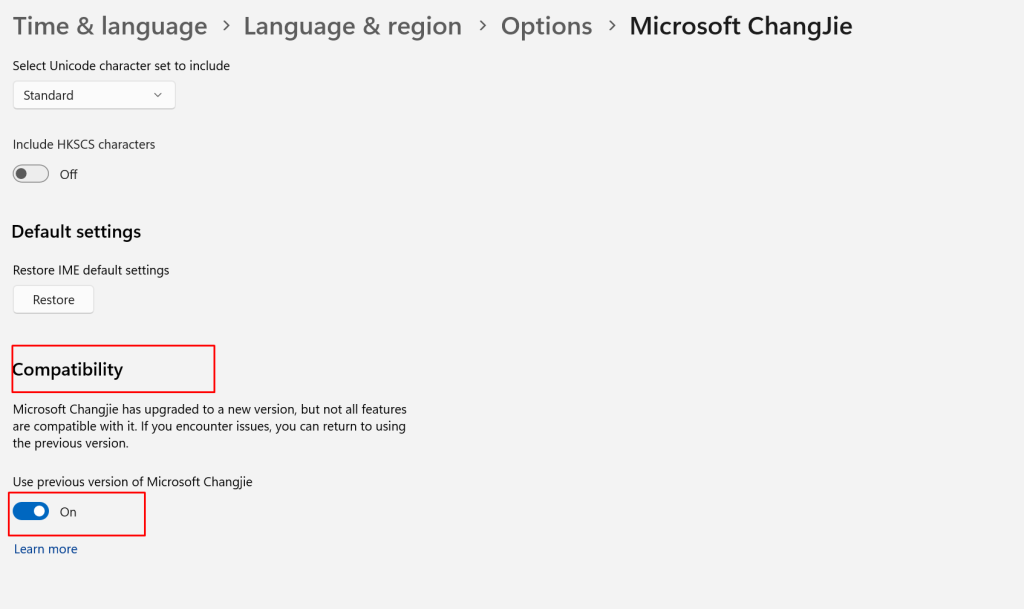
4. In Microsoft Cangjie, find the “Compatibility” tab, and then turn the switch on under “Use legacy Microsoft Cangjie”. A dialog box will appear; click “Change IME Version”. Afterward, you can view the input method’s character selection list again.