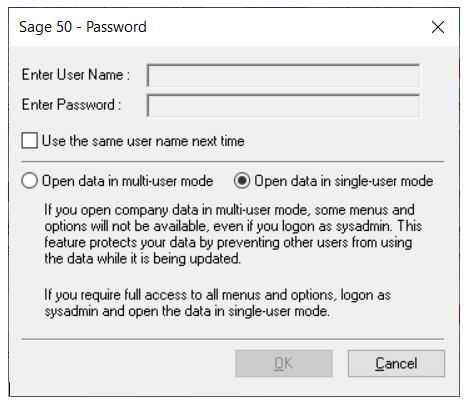
Open Sage 50 as single user mode
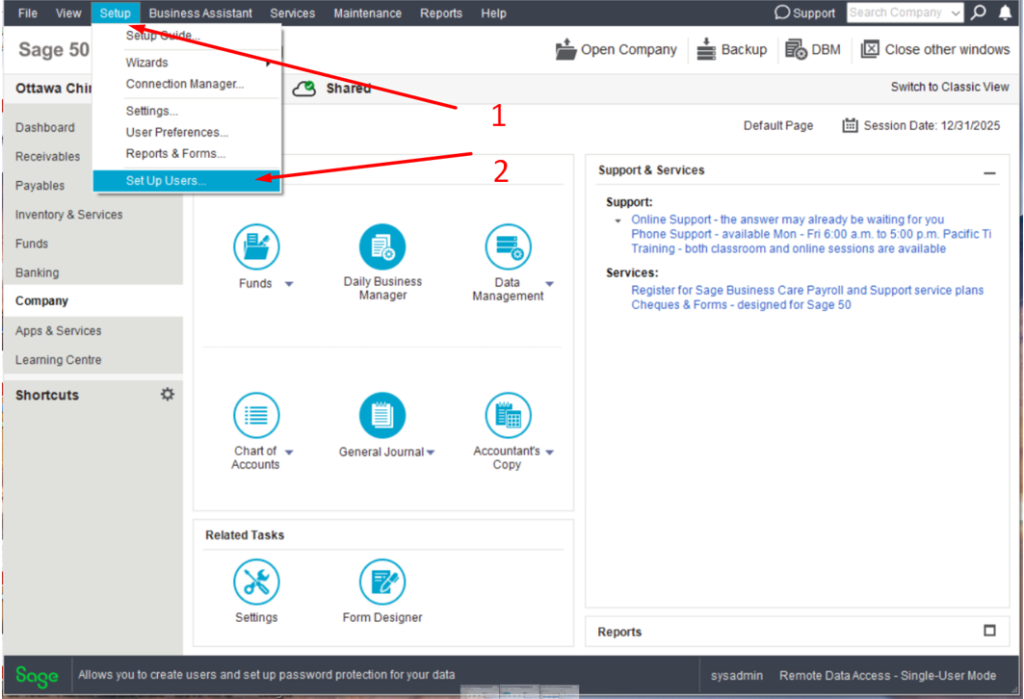
Click the setup on the top menu then select setup users
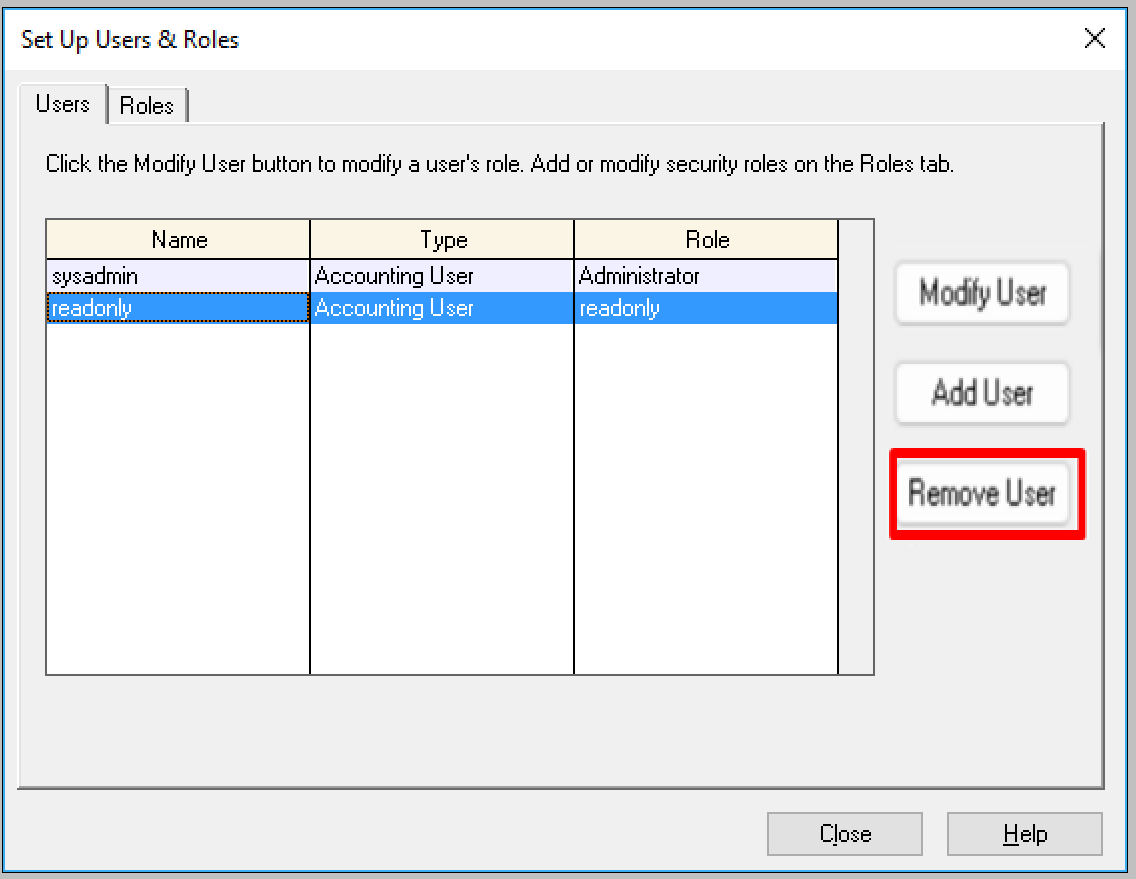
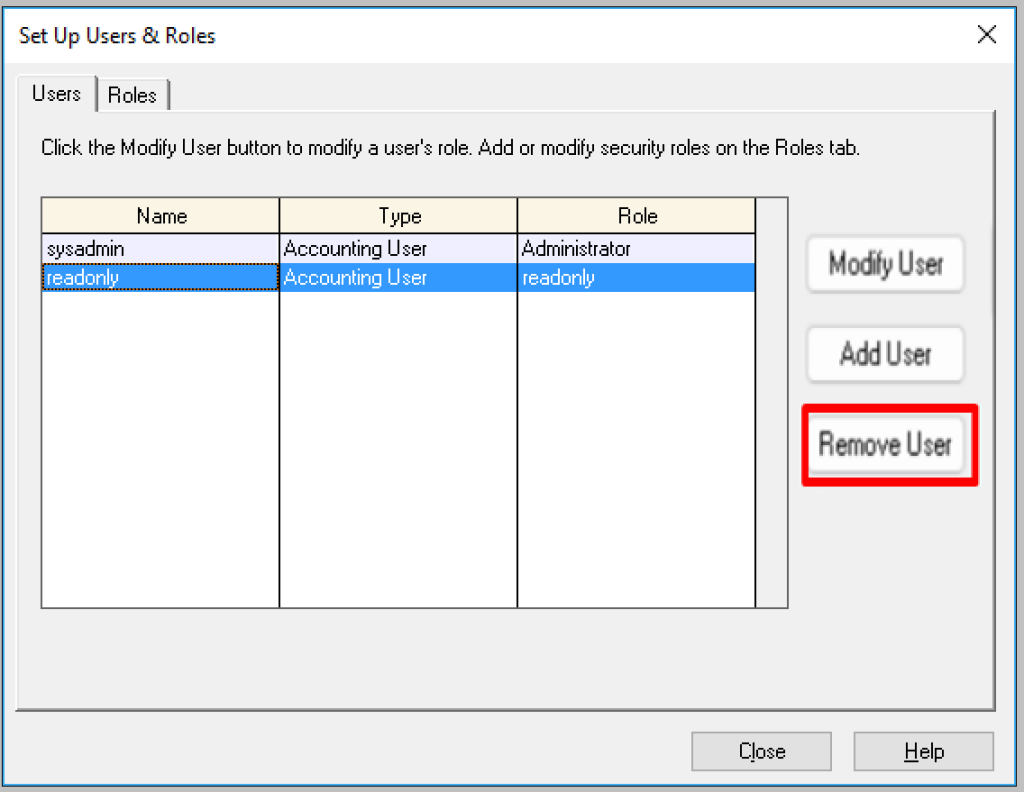
Then select the user you want delete and click remove user. please note you can not remove the owner of the database.

Open Sage 50 as single user mode
Click the setup on the top menu then select setup users
Then select the user you want delete and click remove user. please note you can not remove the owner of the database.
| Powered by WordPress | Theme by TheBootstrapThemes